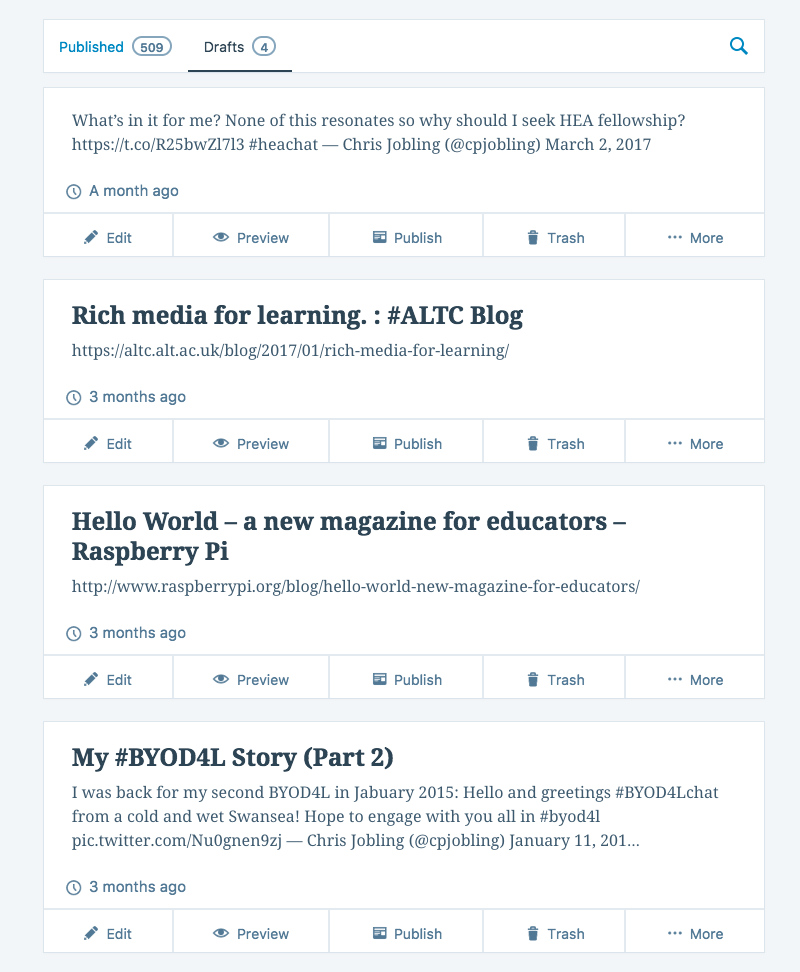
Inspired by friend and colleague Debbie Baff's "Homeless blog posts", I've just had a look at my own Wordpress draft posts folder. I clearly had things that I wanted to say 3 months ago and I had a critique of HEA fellowship (still not resolved) a month ago. I also haven't posted anything that wasn't a tweet since March 2.
Perhaps we should all share our drafts (suitably redacted) from time to time, if only to spark us to get back on the blogging-bike.
[…] lovely colleague Chris Jobling who took the time to comment on my blog and then published his own list of drafts that will never get written and also this article by sarkemedia about Drafty Blogs […]
Structured around the five Cs: connecting, communicating, curating, collaborating and creating, this course aims to provide you with practical experience and ideas of how you and your students might exploit your mobile devices in your teaching to enhance your students' learning. The course was conceived, created and originally facilitated by Chrissi Nerantzi (@chrissinerantzi) of Manchester Metropolitan University and Sue Beckingham of Sheffield Hallam (@suebecks). After 3 runs it has become a community facilitated event that gets bigger every time.
The course is free, informal, and fun. I should know, this will be my fourth time! It takes place on-line in Wordpress, Twitter (hashtag #BYOD4L), and Google+, and any other pop-up on-line communities that the participants might establish. Every morning the topic of the day is published (follow @BYOD4L or, if you prefer an email notification, subscribe to the BYOD4L web site). Every evening, at 8:00 pm GMT, there's a fast and frenetic Tweetchat (think 'Tw'eminar) on the topic of the day which you can join in by using hashtag #BYOD4Lchat.
Best of all, you can collect open badges for participation gather evidence of CPD that you can bring to your PGCertHE, HEA fellowship (initial application or evidence of good standing) and PDR. Mindful of this, for this run the organizers are encouraging us to share the stories of our experiences. So, to get your thinking, here's one of mine.
I'll be helping the facilitators Neil Withnell (@neilwithnell), Sheila McNeill (@sheilamcn), and Alex Spiers (@alexgspiers) as a volunteer mentor along with my SALT colleague Debbie Baff (@debbaff). LTEC will also be retweeting interesting snippets throughout the event as @sultec4.
I'm struggling to find any blog posts from what was then the 2nd run of #BYOD4L (the first looks to have been in January 2014) so I probably only engaged via Twitter and Google+.
I note that I was sticking my nose in quite early!
Reviewing these today, Diigo, is being updated automatically, I'm an inactive curator on Anne Hole's BYOD4L Flipboard, I'm still using "favourites" on twitter but have stopped using Pocket, Pearltrees and Evernote!
I've had a dig around the Google+ site and Twitter but can't find anything that I actually created that first outing, but here are a couple of shares that are worth revisiting:
well done Chris ... you are always sooo productive ! Very pleased to be working with you again on this next week ... and will have to up my game and finish my story that I started last week but haven't finished yet ...! Thanks for the prompt ...
[…] Best of all, you can collect open badges for participation gather evidence of CPD that you can bring to your PGCertHE, HEA fellowship (initial application or evidence of good standing) and PDR. Mindful of this, for this run the organizers are encouraging us to share the stories of our experiences. So, to get your thinking, here’s one of mine. […]
[…] I really enjoy #byod4l and the effective way it brings people together to share practice. As Chris Jobling has done it’s a great way to reflect on how your own use of technology has […]
Back in January for its fifth run is the excellent Bring Your Own Device for Learning (#BYOD4L) online CPD-fest. Covering the 5Cs, Connecting, Communicating, Curating, Collaborating and Creating, this "course" aims to share great ideas and build communities. Concentrating on portable educational technology that you can use with yourself, your colleagues and your students, you're guaranteed to discover something that will enable you and them to be more effective. And at the same time you'll find yourself becoming part of a growing community of like-minded souls.
[…] advance of the fifth run of bring your own device for learning (#BYOD4L) and inspired by Sheila McNeil’s post “#BYOD4L A story of personal and professional […]
The Learning Enhancement and Development team at City University London (@CityUniLEaD]) is publishing a learning enhancement and development suggestion every day up until Christmas using the twitter hashtag #eventcityunilead.
One of my first findings while looking at the first app of 12 apps for Christmas is that the content viewer in the BB Student App doesn't display Blackboard Learn's own content very well:
So I have to wonder why developers keep building inferior versions of their web apps as native apps in the mistaken belief that's the only kind their users will accept.
I also have to ask Blackboard why their Student App's content viewer isn't just an embedded Safari web browser? Or alternatively, why not disinvest in the mobile apps space and just make Blackboard Learn itself fully responsive?
Developer Advocate Christian Heilmann (@codepo8), once of Mozilla and now of Microsoft, also promotes PWAs on his twitter feed and at conference engagements. For example see:
An unexpected consequence of moving from my self-hosted WordPress blog to WordPress.com was that my embedded Storifys stopped working, I lost some images, and several mysterious links to twitter javascript had appeared. A few minutes with the documentation confirmed what I guessed to be true that WordPress.com (for good security reasons) doesn't allow arbitrary embedded HTML and JavaScripts to be included in posts and pages delivered from the hosted service.
I did discover that there are good blogger-friendly shortcuts that allow bloggers to easily embed some types of media into their posts and pages. So it turned out that to change my embedded tweets, I simply had to replace the embed code from that I obtained from Twitter with the URL of the tweet on a line by itself. Like this for this one https://twitter.com/cpjobling/status/804282759120306176:
There is no embed code though for Storify, so I had to replace the embedded stories from the last few months with plain old links.
I also had to find and re-upload a few images that had vanished.
I think this work is now complete, but do let me know if you find anything odd in the archives.
Another unexpected consequence of this need to update my pages is that some posts have been re-posted and announced again on my social media sites. I didn't intend to spam you honest!
It's the first of December and in the Learning Technology world this means the launch of multiple open courses promising to introduce busy academics to 12 Apps of Christmas.
I'm recommending 12 Apps of Christmas to my colleagues for two reasons. Firstly because it provides useful introductions to mobile apps that they can use with students. But perhaps as important, Blackboard Learn is Swansea University's VLE so taking part will give my colleagues an insight into what it's like to be a student on a Blackboard Learn course.
This year, the organizers are also encouraging us to use the Blackboard Student App. This makes the course more accessible - for example I hope to use the app to follow each day's recommendation while on my daily commute. But in addition, exploring the features and limitations of the app will give valuable insight into what you can and cannot do well when presenting your Blackboard course content on a small mobile device.
[…] of my first findings while looking at the first app of 12 apps for Christmas is that the content viewer in the BB Student App doesn’t display Blackboard Learn’s own […]
 Back in January for its fifth run is the excellent
 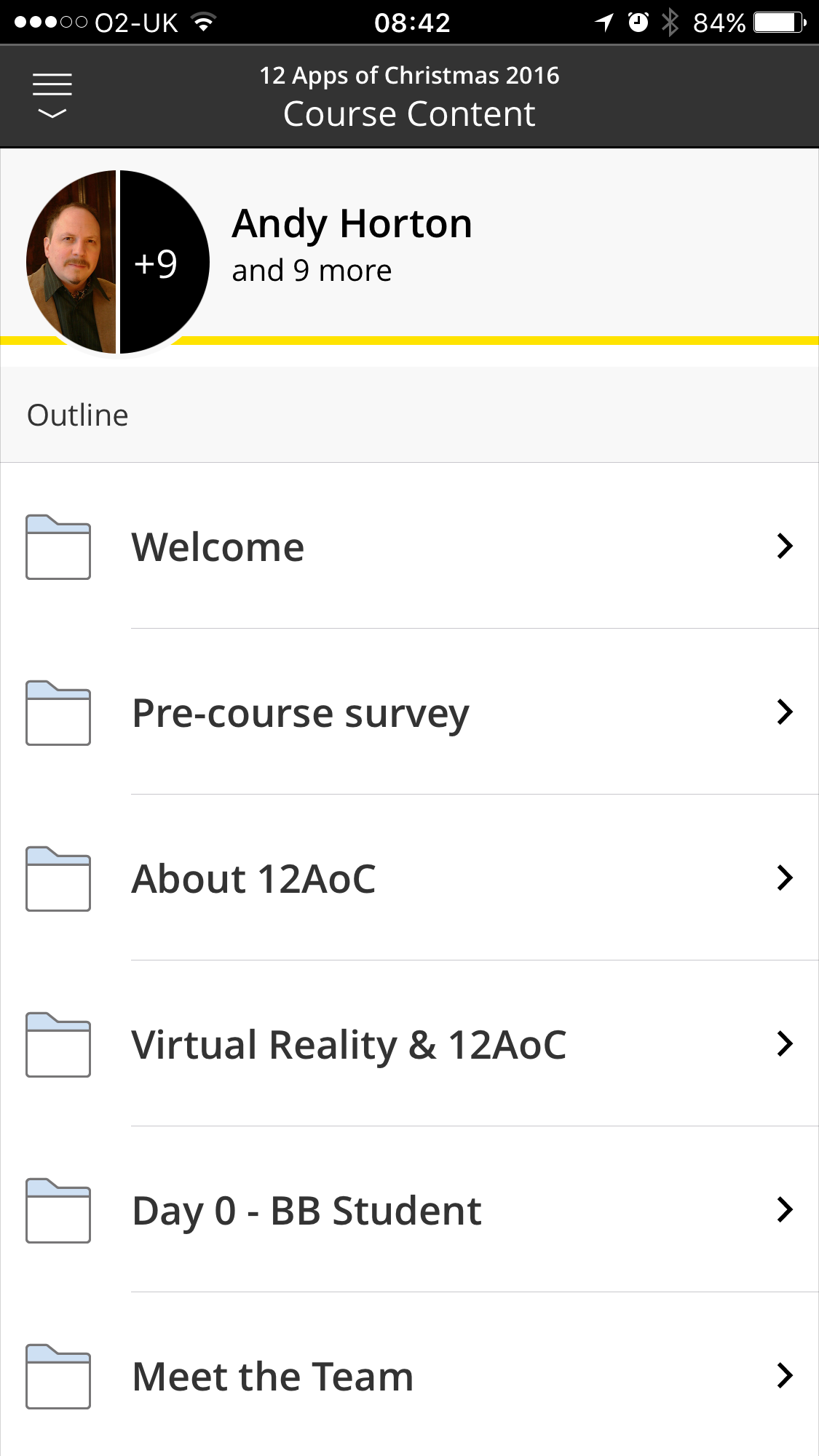 It's the first of December and in the Learning Technology world this means the launch of multiple open courses promising to introduce busy academics to 12 Apps of Christmas.