I have a plan to refactor the lab exercises for EG-140 in readiness for
automated submission and marking. The first step was to put the BlueJ projects
that students upload into a new repository. However I wanted the repository to
be such that all the projects would be within the eg-140-laboratory project
but different subsets could be delivered to various audiences. For example,
students starting a week’s work should be able to get hold of just a single
project as in
cvs -d _cvs\_repository_ co naive-ticket-machine
or a whole week’s exercises as in
cvs -d _cvs\_repository_ co eg-140-week2
Here is my project structure:
eg-140-laboratory
|
+-- week2
|
+-- better-ticket-machine
|
+-- src
|
+-- test
|
+-- bluej
|
+-- files that students upload (a bluej project)
After some reading in Essential CVS and the CVS official manual I discovered
how to use modules for this. Here is my module file:
Three different line formats are valid:
key [options] directory files...
Where "options" are composed of:
-i prog Run "prog" on "cvs commit" from top-level of module.-o prog Run "prog" on "cvs checkout" of module.-e prog Run "prog" on "cvs export" of module.-t prog Run "prog" on "cvs rtag" of module.-u prog Run "prog" on "cvs update" of module.-d dir Place module in directory "dir" instead of module name.-l Top-level directory only -- do not recurse.
Note: If you change any of the "Run" options above, you'll have to release and
re-checkout any working directories of these modules. And "directory" is a path
to a directory relative to $CVSROOT.
The "-a" option specifies an alias. An alias is interpreted as if everything
on the right of the "-a" had been typed on the command line.
You can encode a module within a module by using the special & character to
interpose another module into the current module. This can be useful for
creating a module that consists of many directories spread out over the entire
source repository.
CVSROOT CVSROOT
The modules file itself
EG-140 Laboratory: only available to staff!
eg-140-laboratory eg-140-laboratory
Student projects: incomplete projects that have to be edited. Essentially the
BlueJ projects provided with Barnes and Kölling. Week 2: the individual
projects
better-ticket-machine eg-140-laboratory/week2/better-ticket-machine/bluej naive-ticket-machine eg-140-laboratory/week2/naive-ticket-machine/bluej
book-exercise eg-140-laboratory/week2/book-exercise/bluej
Week 2: all together
eg-140-week2 -d week2 &naive-ticket-machine &better-ticket-machine
&book-exercise
As you can see, we set up the bluej folder in each sub-project to be a module,
named a they are in Barnes and Kölling. We then have a combined module to
bring together all the projects in a week’s labs (corresponding to a chapter in
the book) as a CVS module eg-140-week2. When we check out this project, it
creates a CVS sandbox named week2 which contains the three projects.
The next extension will be to get the staff-only version with worked solutions
and JUnit tests working.
A couple of questions for later
- If we want students to check-in changes to their own repository, how can we do
it? The
CVSROOT where the original code comes from would be inappropriate …
we effectively want each student to have his/own repository. CVS can probably
do this so back to the book!
- How can I get the compiled tests into the Bluej folders without breaking
version dependencies? [answer might be cvs update — build all — cvs commit?]
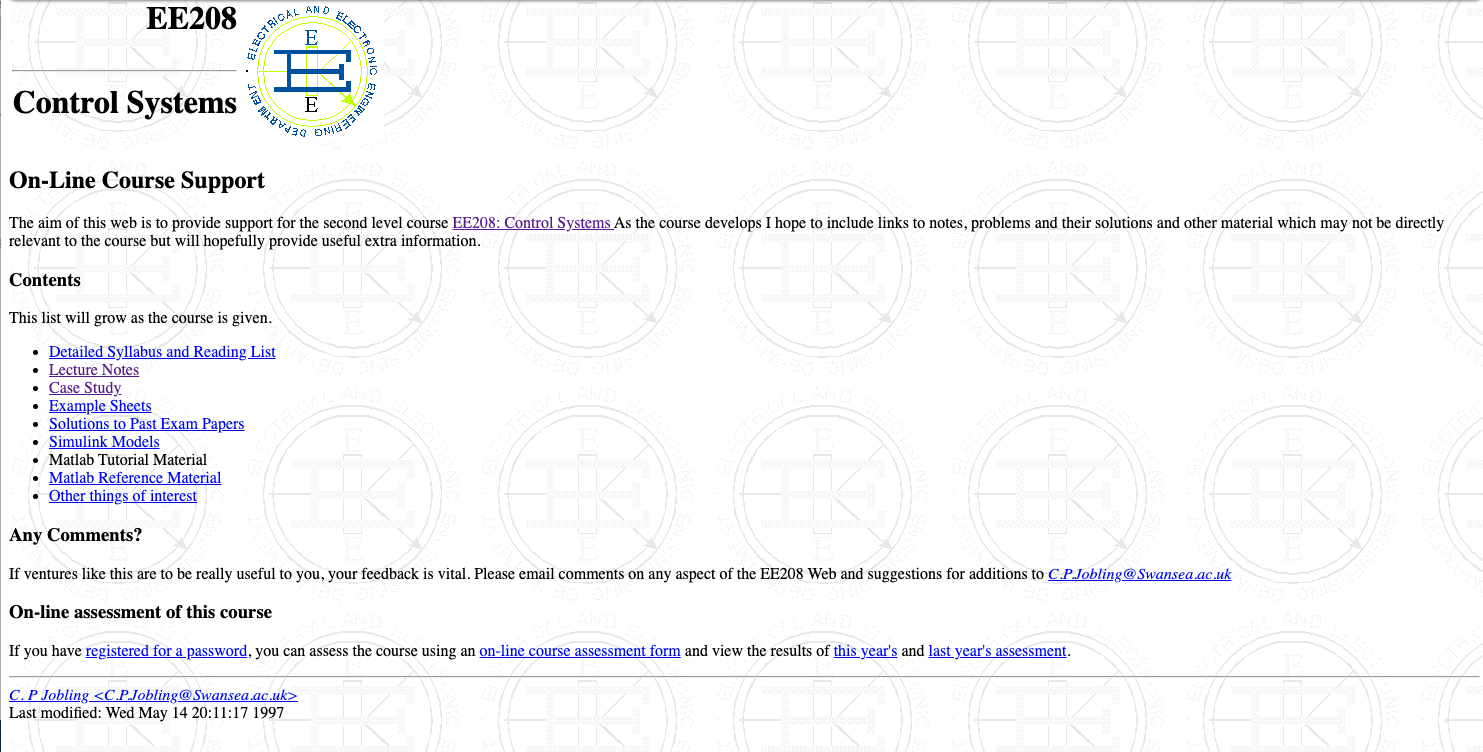 Electrical and Electronic Engineering, Swansea University, May 1997. Captured from the Internet Archive’s Way Back Machine on 7th November 2020.